

 Citing sources for your next paper just became much easier. Clemson Libraries now provides access to EndNote, a program that helps create and manage bibliographies at every step of the citation process.
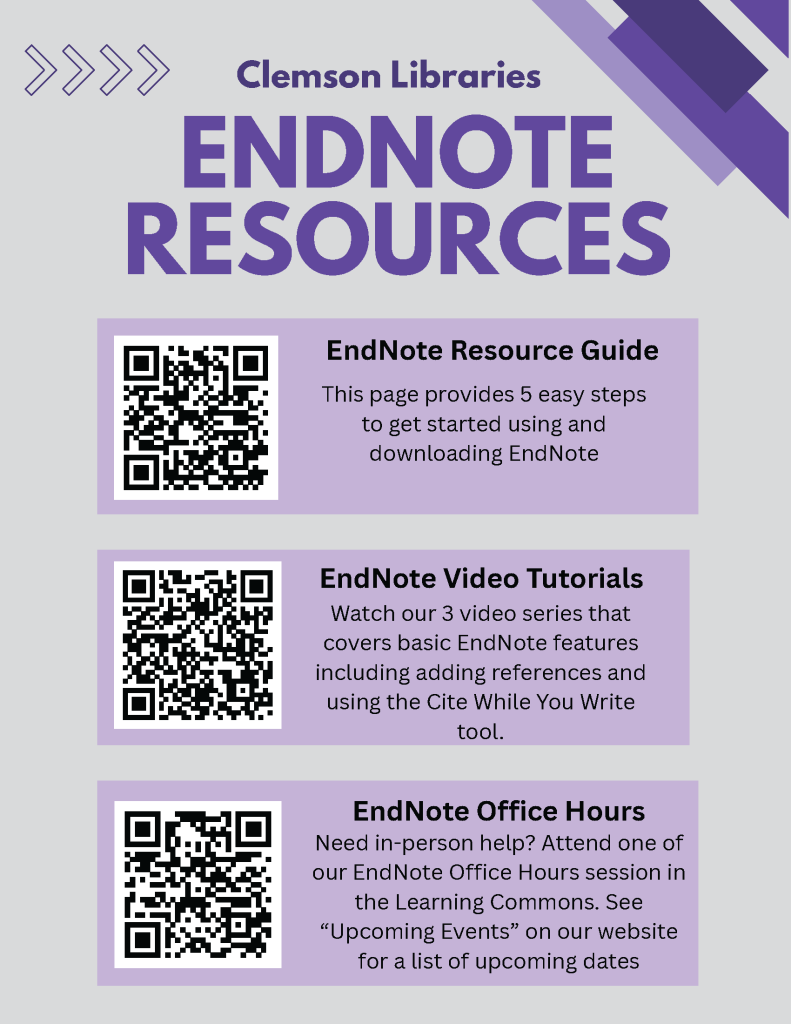
To help students, faculty and staff get the most of this new resource, the Libraries is offering EndNote office hours on dates throughout the semester in the Learning Commons in Cooper Library to answer questions about downloading and using the software. For a list of dates, visit the University events calendar. Video tutorials and a step-by-step guide are also available on the Clemson Libraries website.
EndNote 21 is the newest version of the software and is available to download for free through the CCIT website. Once downloaded, EndNote produces a completed citation of an academic article or gives users the option to create the reference manually. Researchers then export the completed citation to their EndNote library to make edits, remove duplicates or add the source to their reference page.
EndNote offers most citation styles, but additional formats are available to download on their website. Within their EndNote library, users can organize their sources into groups or add customizable tags for easy reference.
Another EndNote feature is Cite While You Write (CWYW), which streamlines the citation process by allowing users to import references from their library as they’re writing a paper in real time. Researchers simply insert the source they wish to add, and EndNote creates a bibliography at the bottom of the document. CWYW is compatible with Google Docs, Microsoft Word and Apple Pages.
EndNote 21 also provides access to EndNote Web, which can be accessed through any web browser and is useful for syncing files between desktop, online, and iOS devices, or for working across multiple computers.